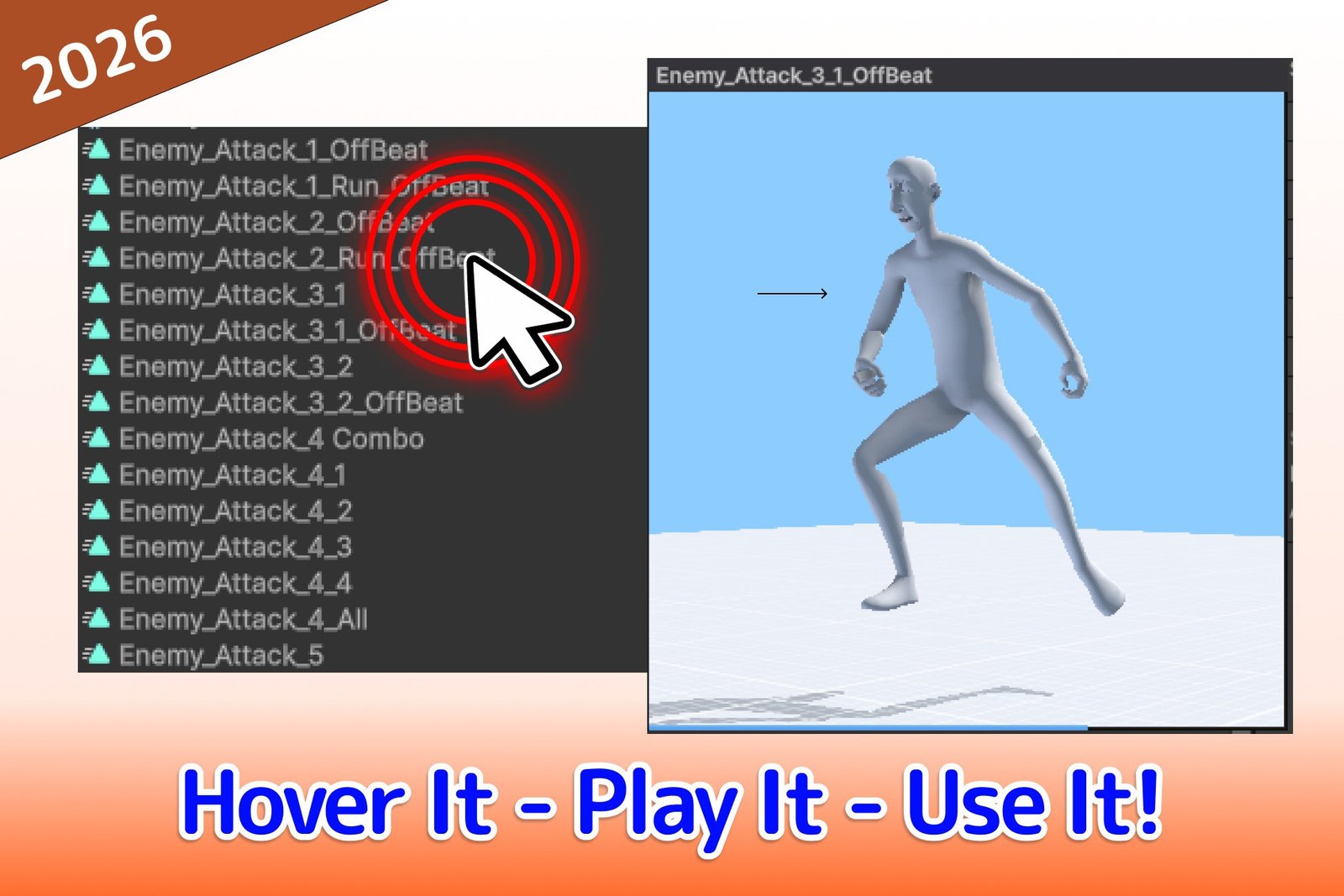
Animation Hover Preview - Preview With Your Mouse
Preview any AnimationClip instantly by hovering your mouse — right in the Project window and Inspector, with an optional interactive viewport. No clicks, no extra windows.
Get it
About
Animation Hover Preview lets you instantly preview any AnimationClip just by moving your mouse over it — no clicks, no extra windows.
If your Inspector is crowded with AnimationClip fields, or your project holds dozens of clips, this tool was built for your workflow: stop clicking a clip field, waiting for it to open, then going back to the Inspector — just hover it.
Features
- Mouse-hover preview in the Project window and Inspector (UI Toolkit & IMGUI) — works on any Inspector.
- Interactive viewport (optional) — orbit, pan, zoom and double-click to reset; the view angle is remembered across previews.
- Auto model resolution for generic, embedded and humanoid clips.
- Clip metadata overlay (optional) — length, FPS, frame count, loop flag and root-motion flag.
- Three window sizes (Small / Medium / Large), multi-monitor aware.
- Fully customizable — visual style, window size and position, playback speed, hover delay, humanoid model and more; every setting persists per project between sessions.
Screenshots