Prefab Brush - Easy Object Placement Tool & Level Designer
Master level design in Unity with Prefab Brush. Its feature-rich tool: Physics Placement, Randomization, Smart Parenting, Custom Pivots, and more for ultimate creativity.
Get it
More trailers
About
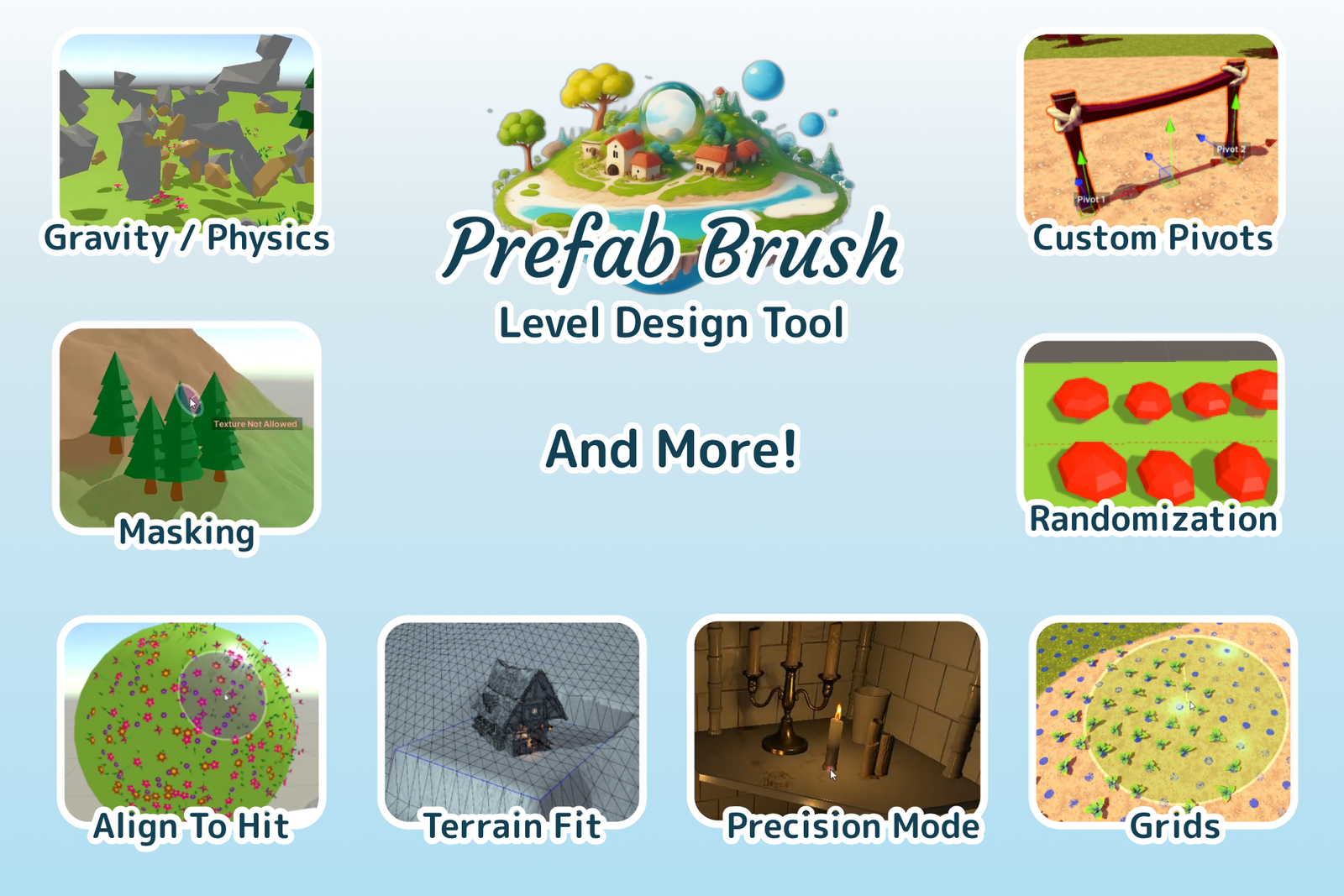
Features
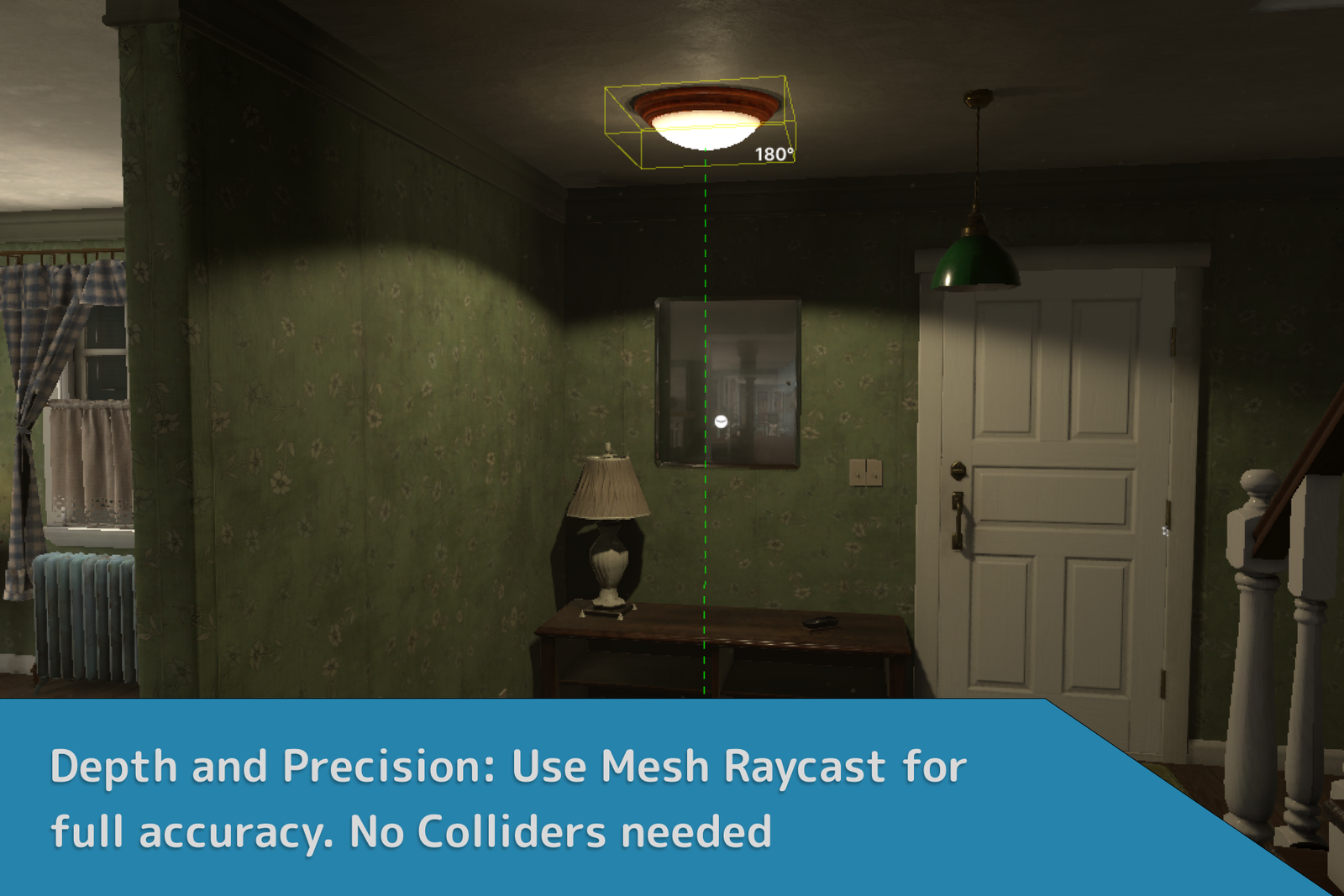
- Mesh Placement: Place prefabs on vertices, edges, or faces of existing meshes without the need for physical colliders.
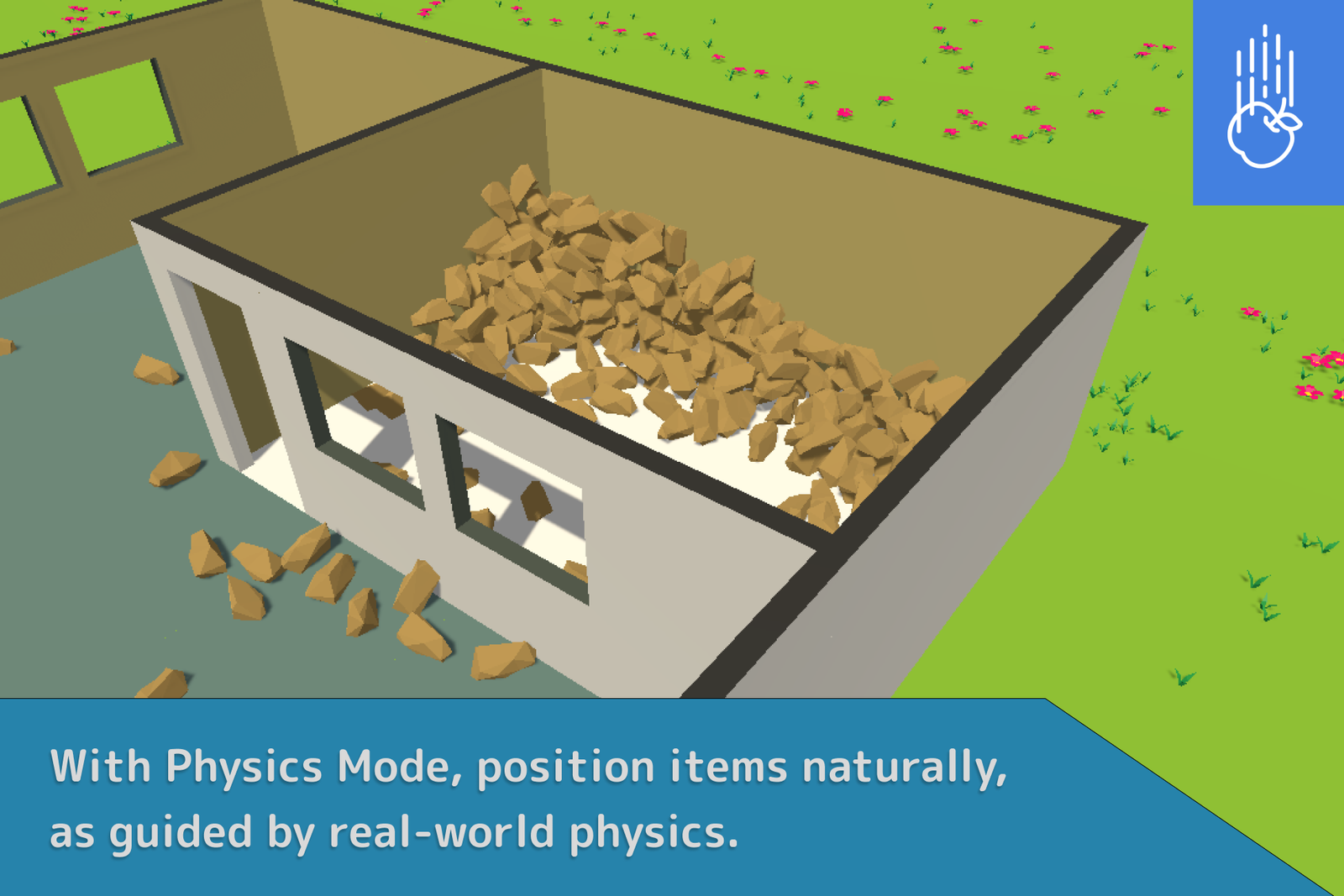
- Physics Placement: Use Unity's physics engine to place objects so they naturally interact with the existing environment, including gravity and collision checks.
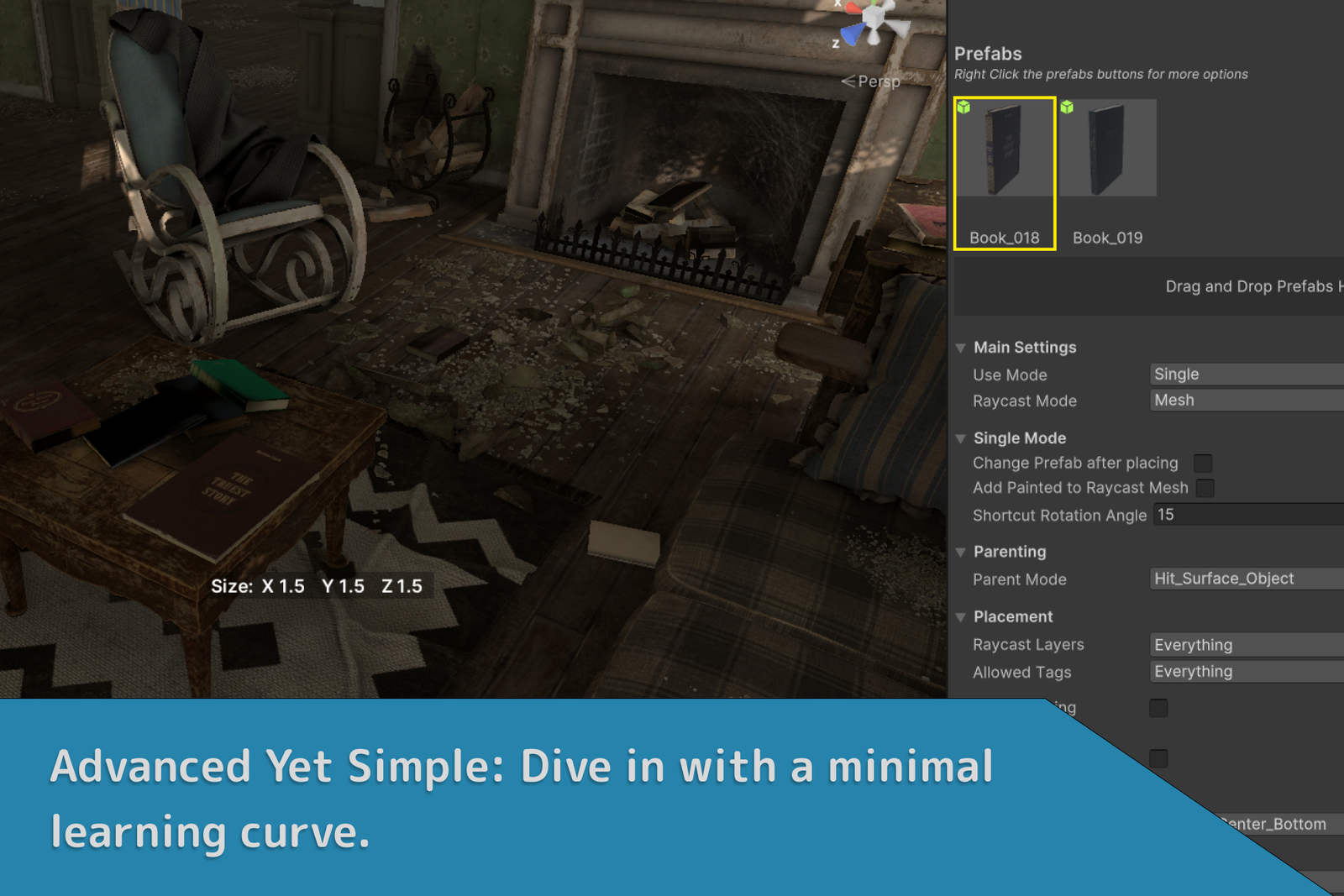
- Precision Mode: A specialized mode for placing single objects with high precision. Best suited for detailed indoor scenes where exact positioning is crucial.
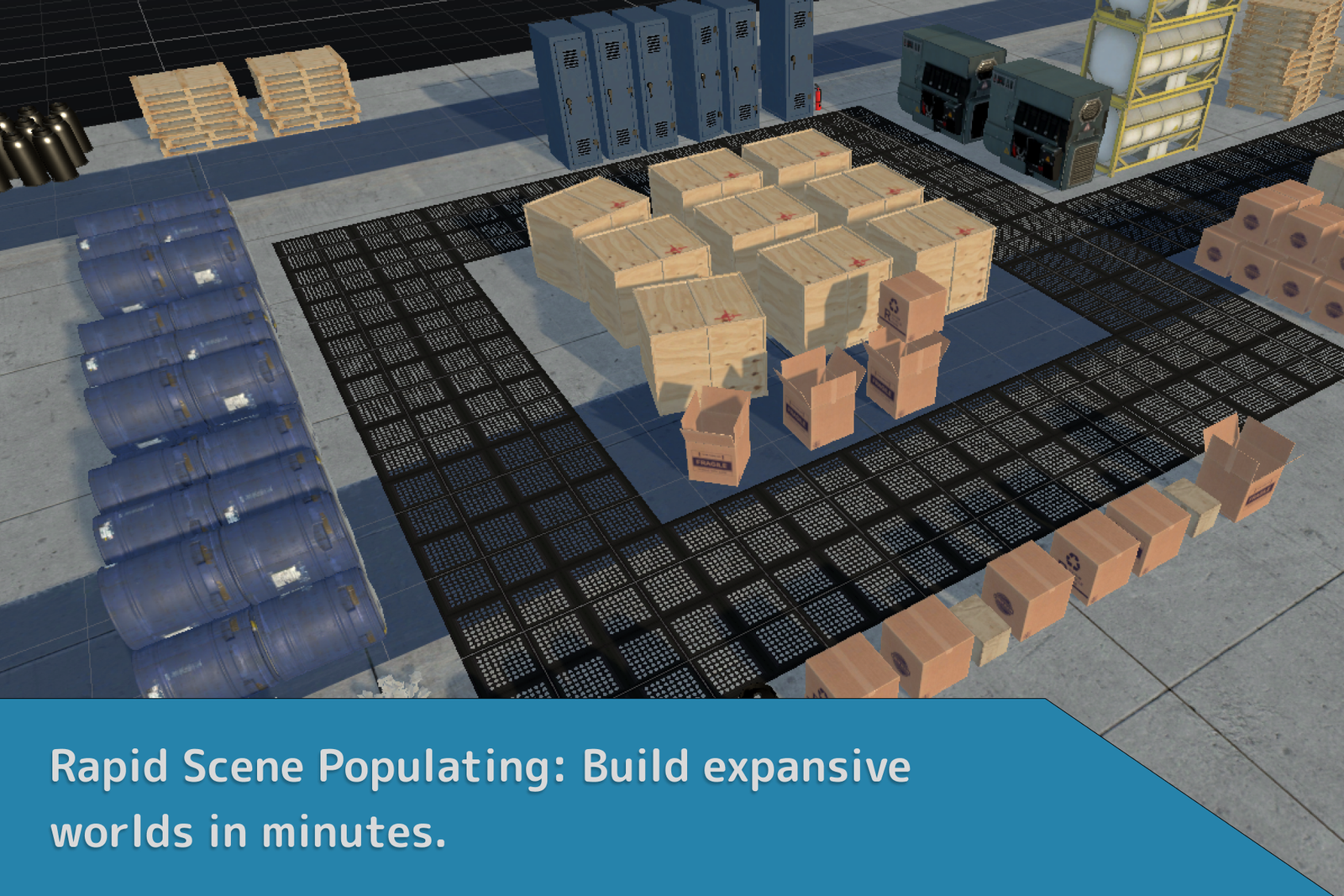
- Multiple Mode: Place multiple objects at once, either randomly or in a pattern. Ideal for populating large outdoor terrains and environments quickly.
- Eraser Mode: Quickly delete placed objects, with layer and tag mask support. Also supports physics-based removal for natural object fall-off when something is erased.
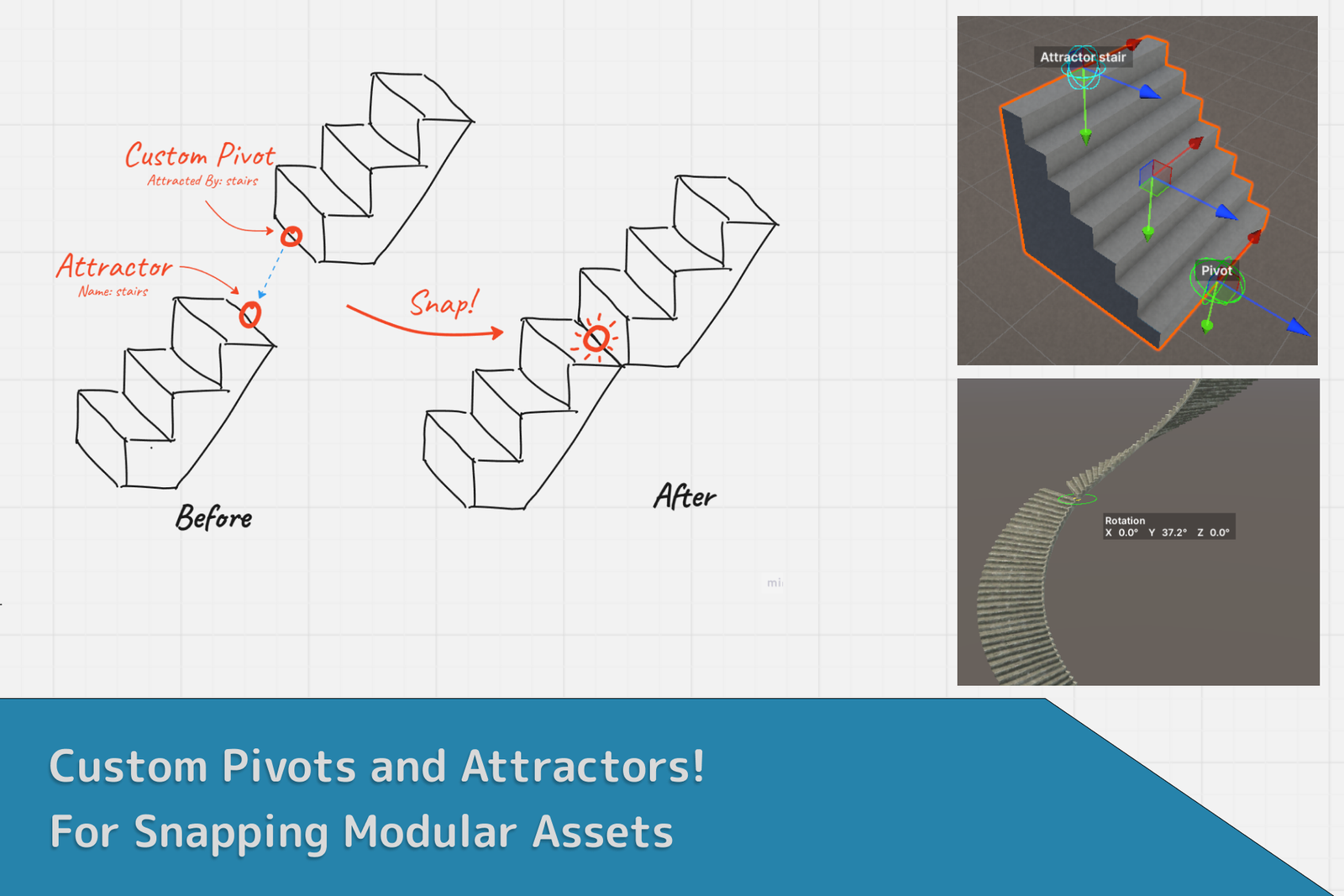
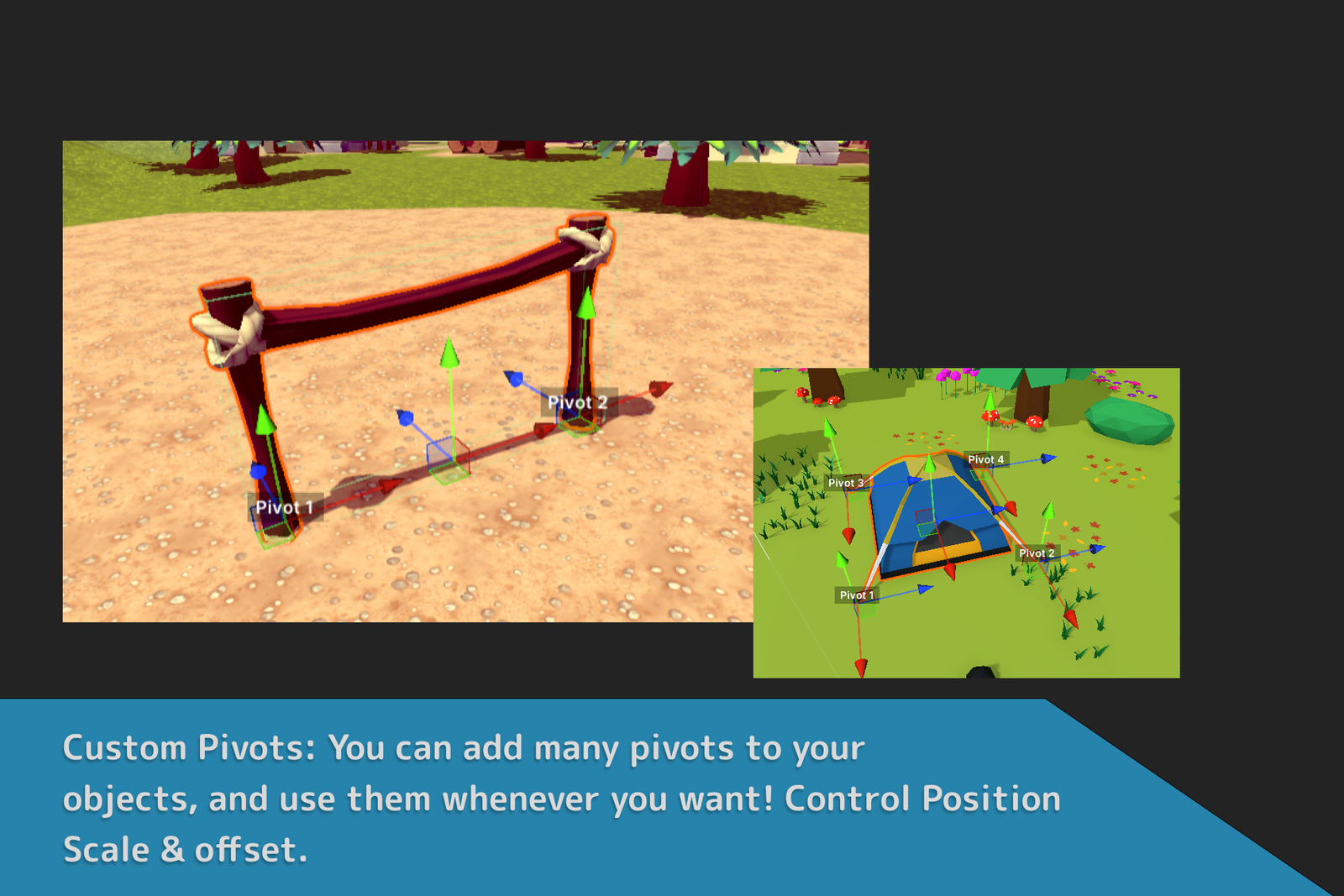
- Custom Pivots & Attractors: Set pivot points anywhere in your prefab for precise placement. Use Attractors to snap custom pivots to designated points for perfect alignment. You can even use custom pivots when Prefab Brush is not on!
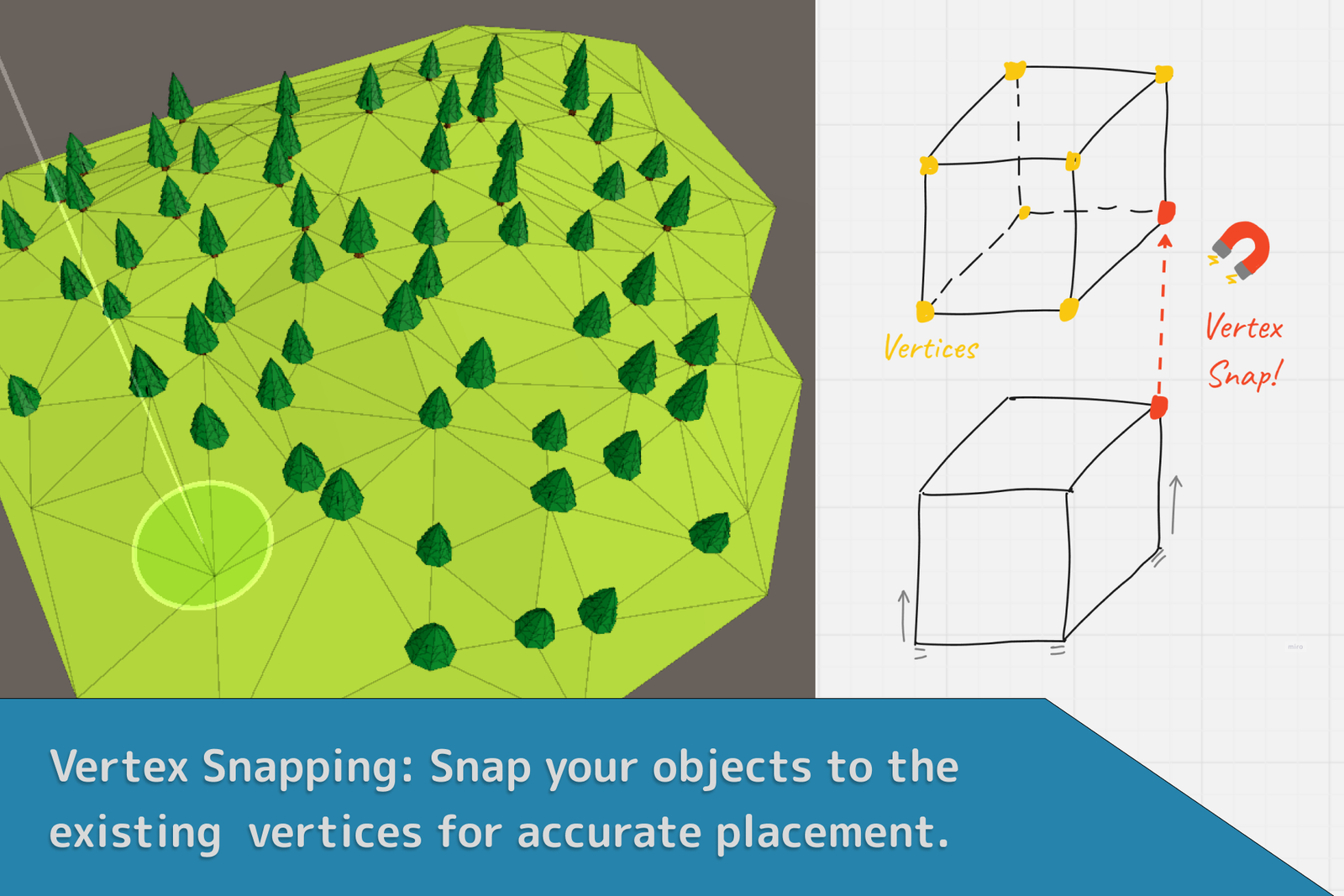
- Vertex Snapping: Snap your objects to the vertices of existing scene meshes for accurate placement.
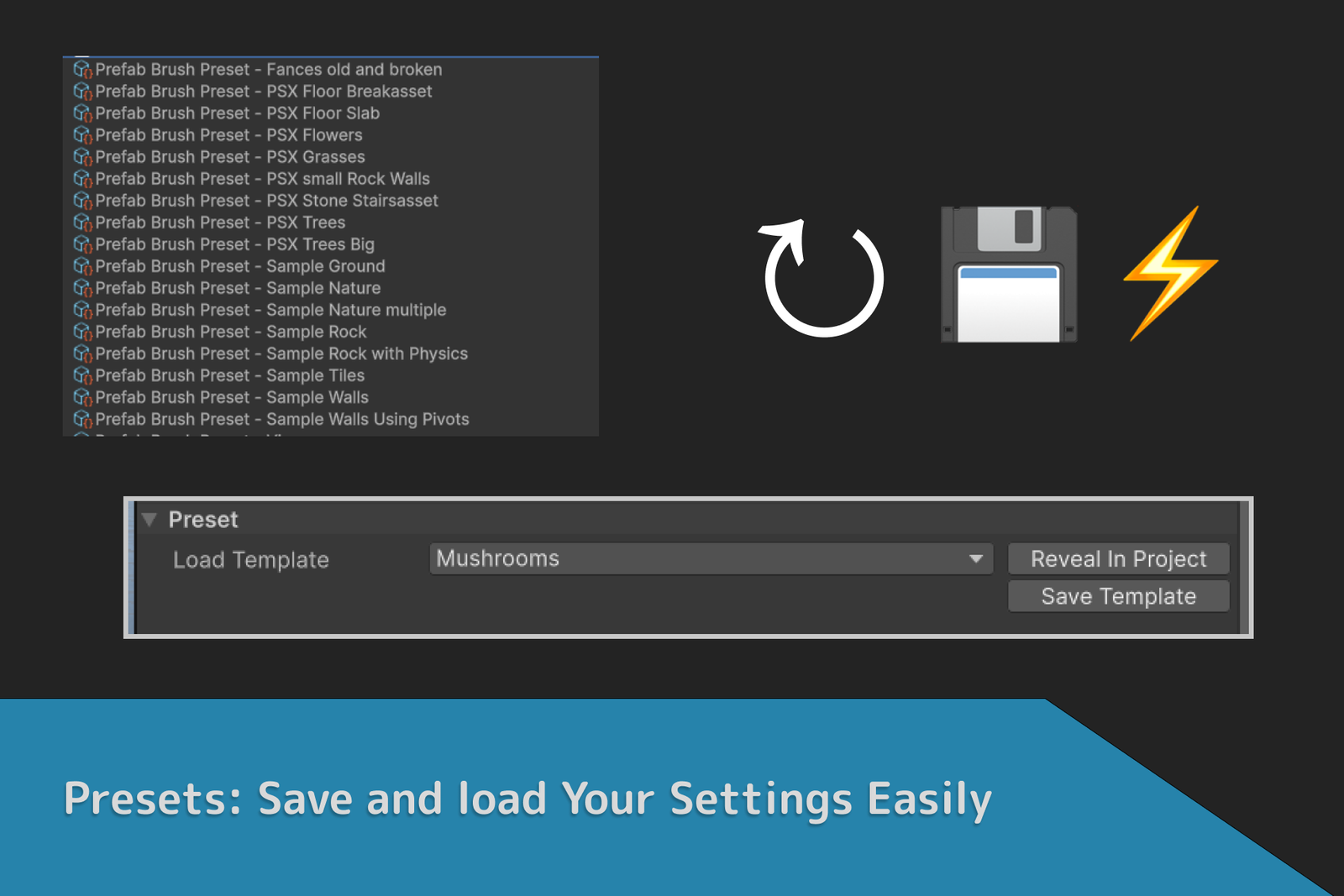
- Presets: Save your favorite placement configurations as presets, so you can quickly switch between setups without manually adjusting settings each time.
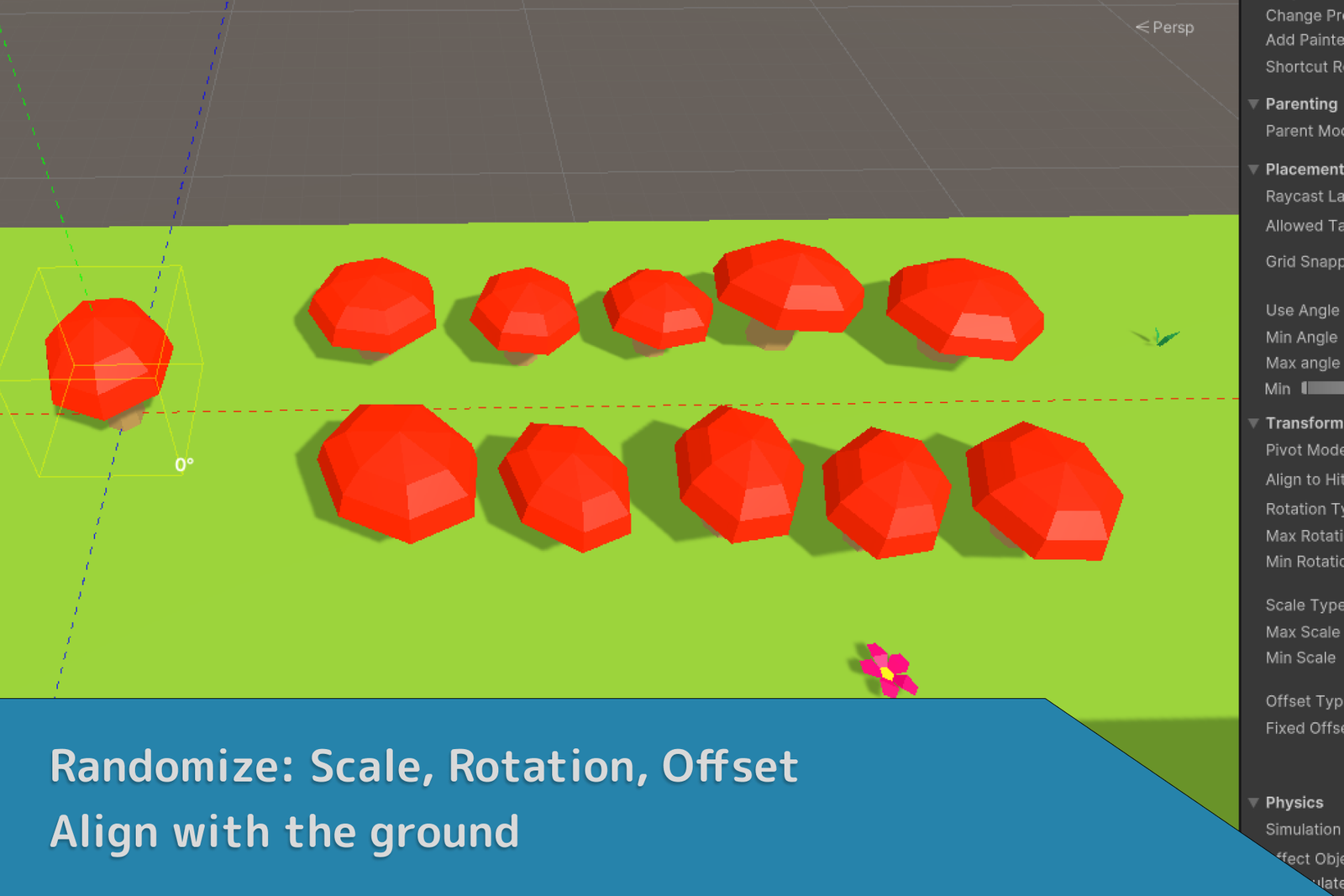
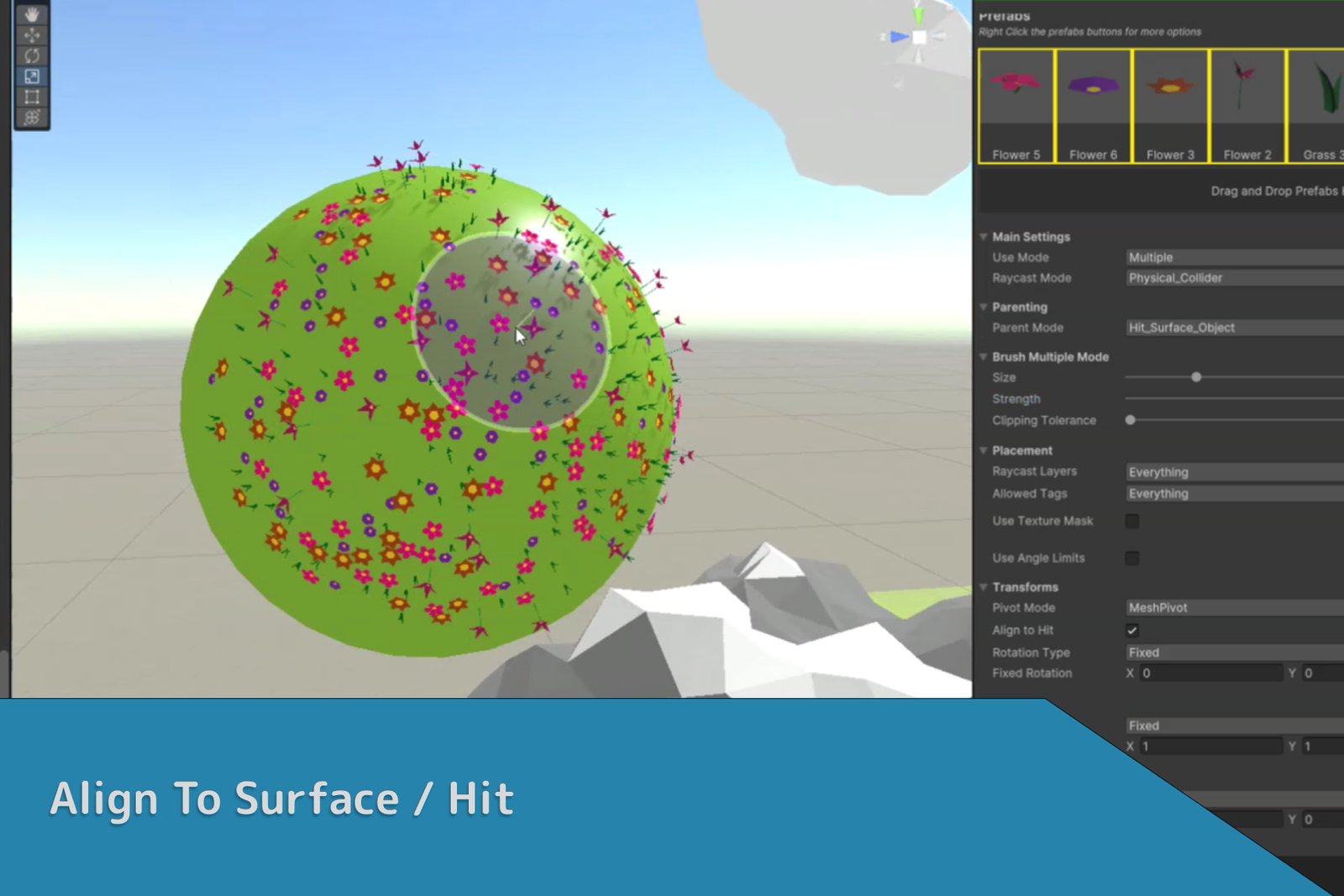
- Align To Hit: Automatically align the orientation of your prefab to match the surface angle of the object it is placed upon — natural placement, especially on irregular terrains.
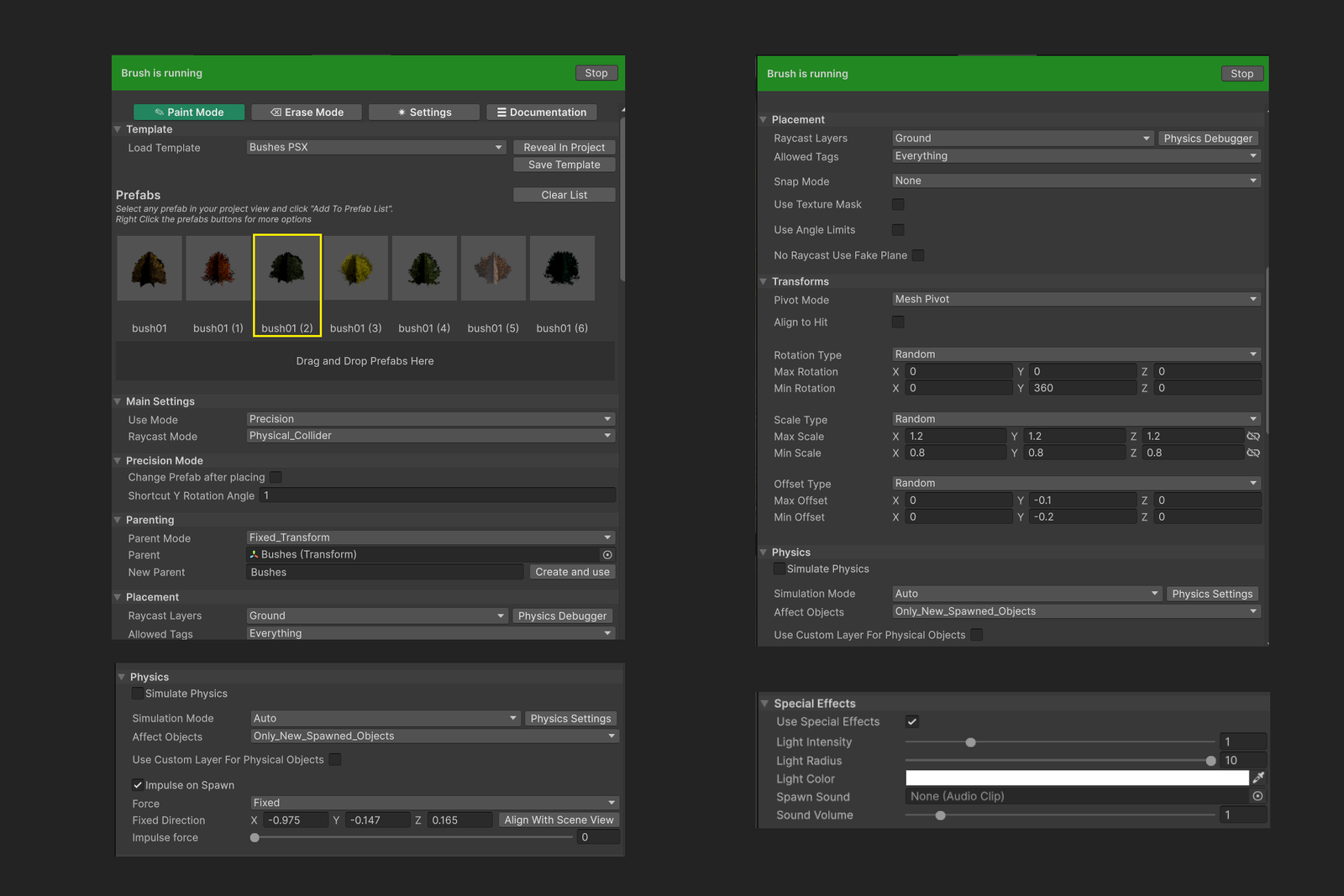
- Randomize Scale, Rotation & Offset: Add variability to your prefabs by randomizing their scale, rotation, and positional offset for more organic, dynamic scenes.
- Smart Parenting: Automatically organize placed prefabs under relevant parent objects in the Unity hierarchy.
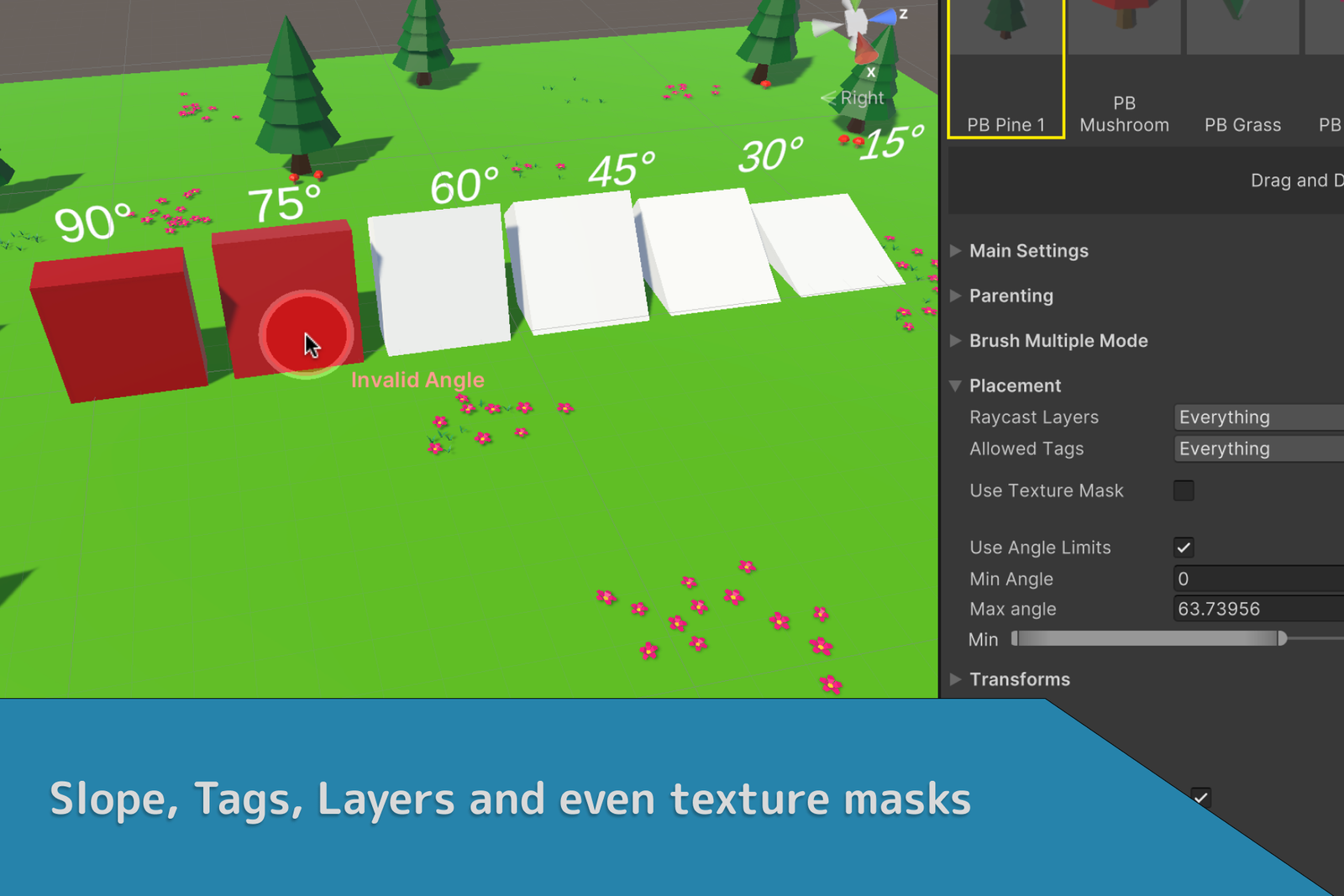
- Slope / Angle Filter: Filter placement areas based on the slope or angle of the surface for more controlled, context-appropriate placement.
- Texture Filter On Terrains: Limit prefab placement to specific terrain textures. Useful for placing vegetation only on 'grass' areas or rocks only on 'mountain' areas.
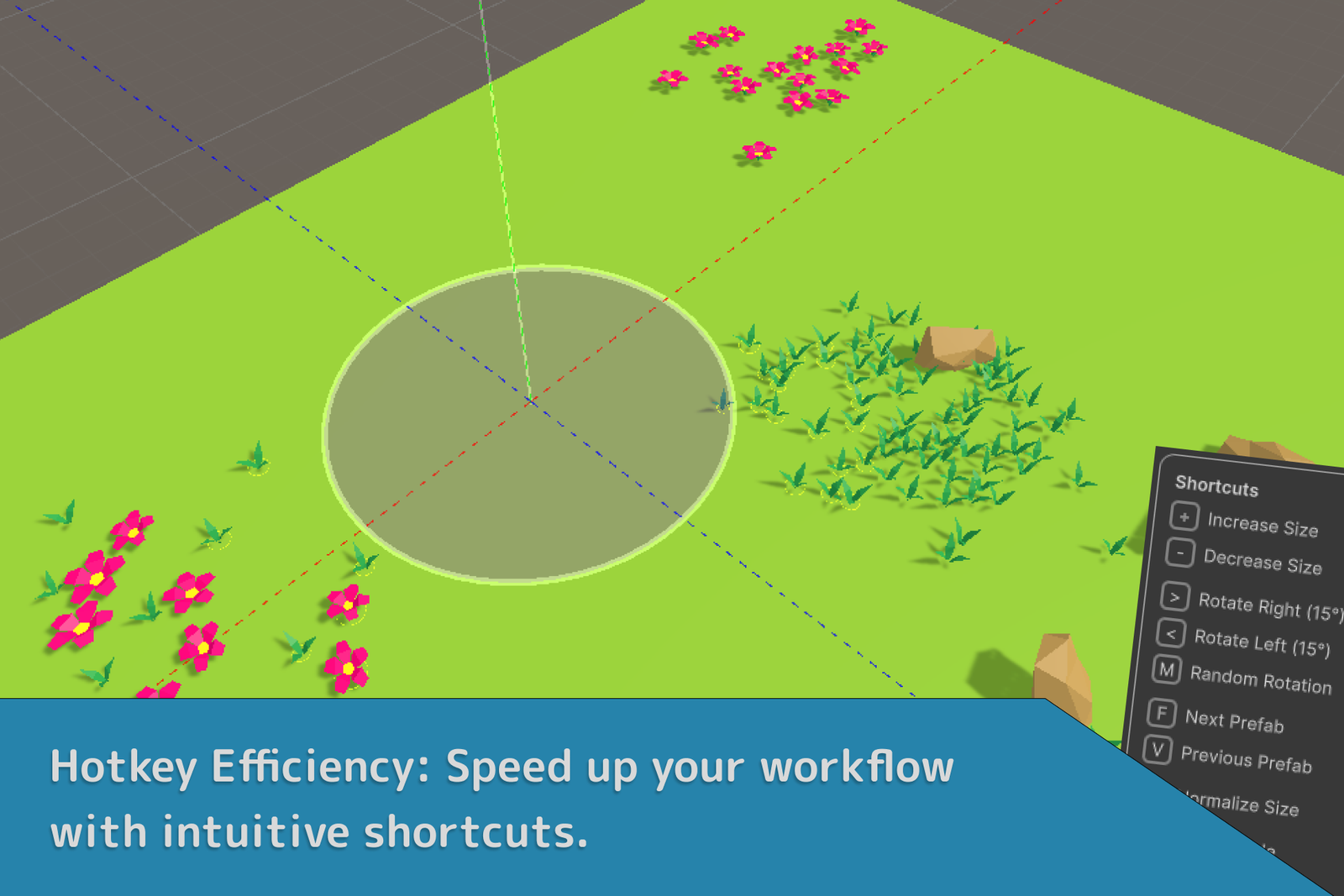
- Quick Actions with Hotkeys: Keyboard shortcuts for common actions to accelerate your workflow — quick placement, deletion, and adjustment with a single keystroke.
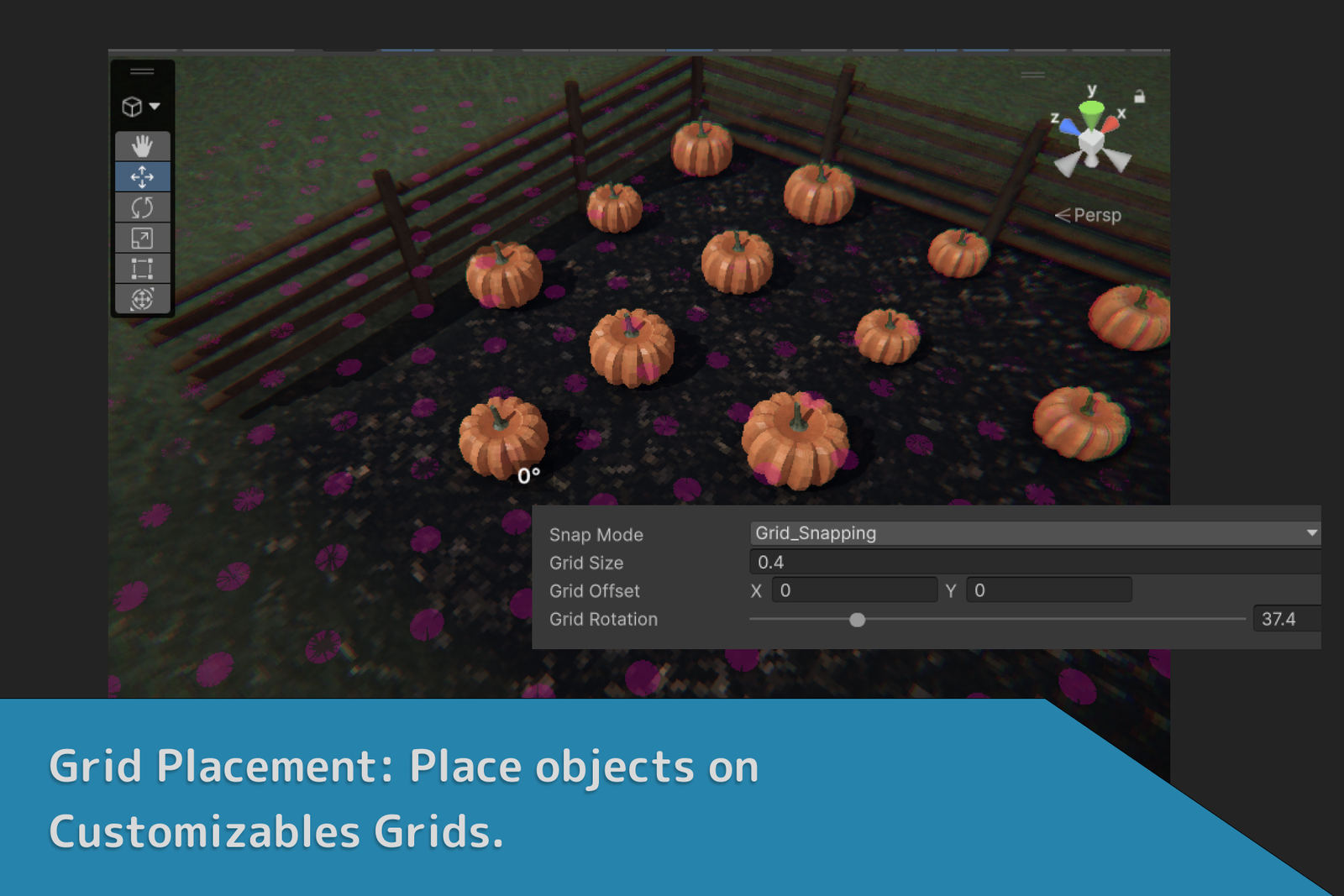
- Grid Placement: Place objects in a grid pattern with adjustable spacing and rotation. Ideal for uniform layouts like tiled floors or aligned rows.
- Easy Prefab Picking: Select and place prefabs directly from your scene or project tab for a more intuitive, visual workflow.
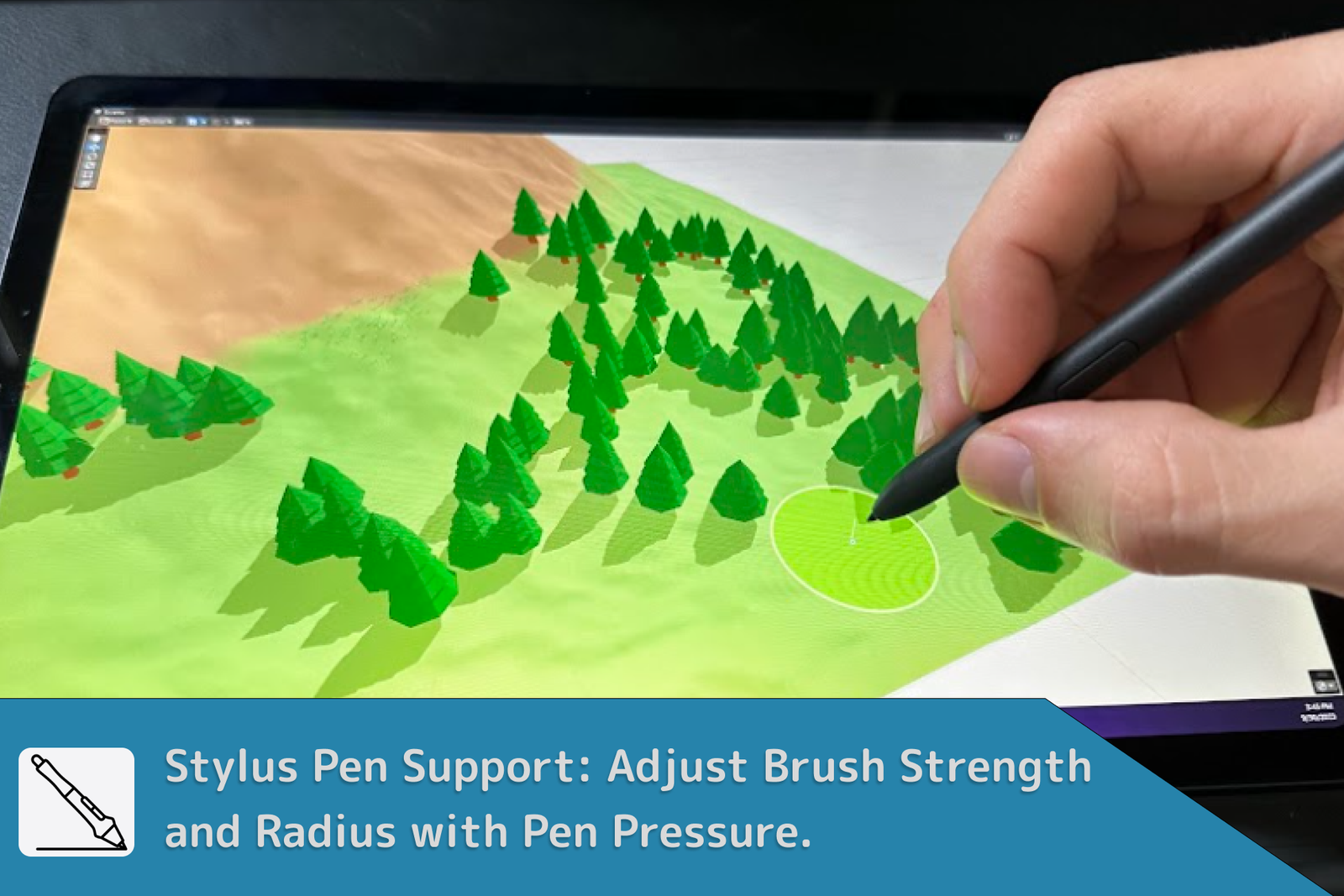
- Stylus Pen Integration: Dynamically adjust brush strength and radius with pen pressure.
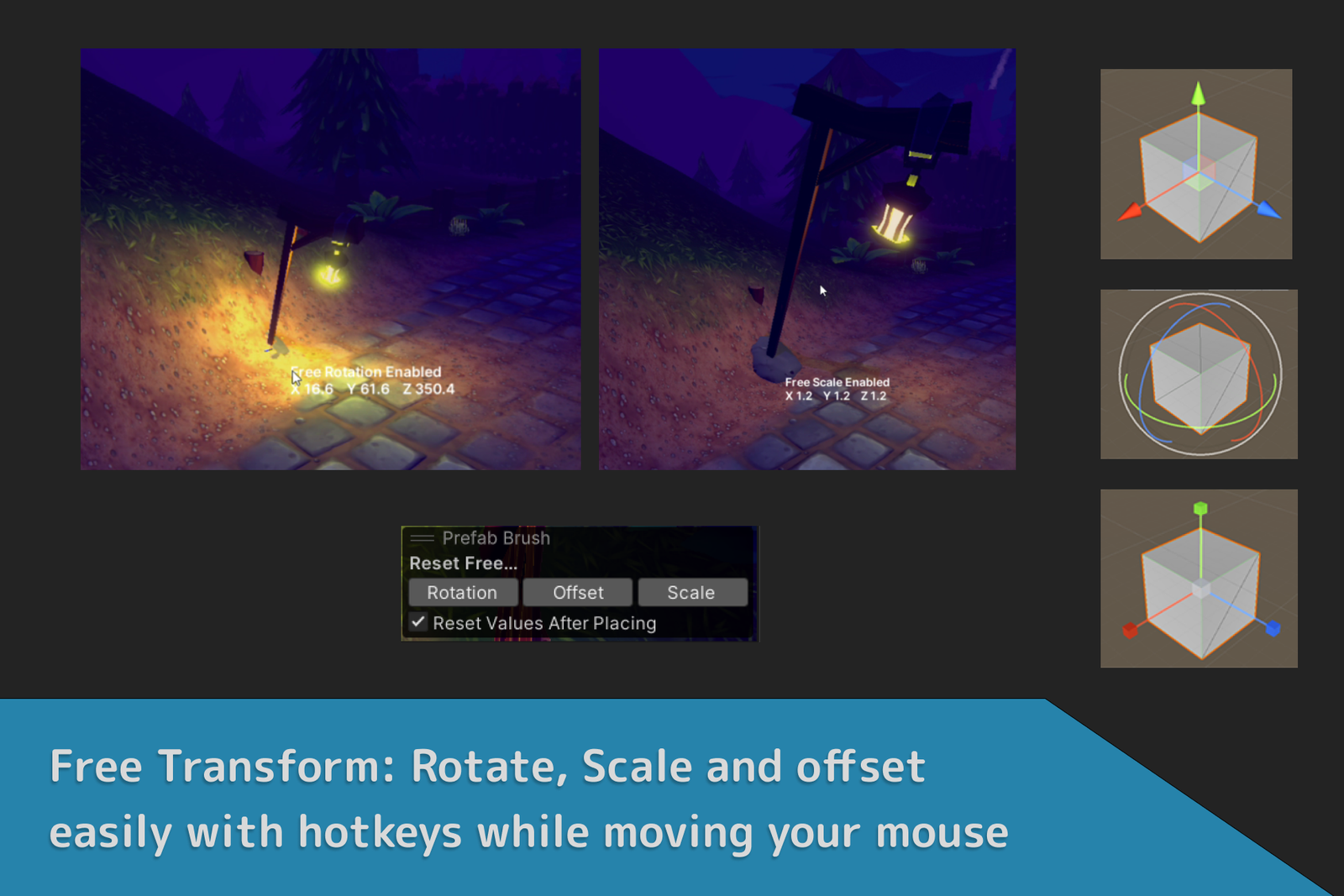
- Free Transforms Tools (New!): Hold a shortcut key while moving your mouse to quickly Rotate, Offset and Scale your object!
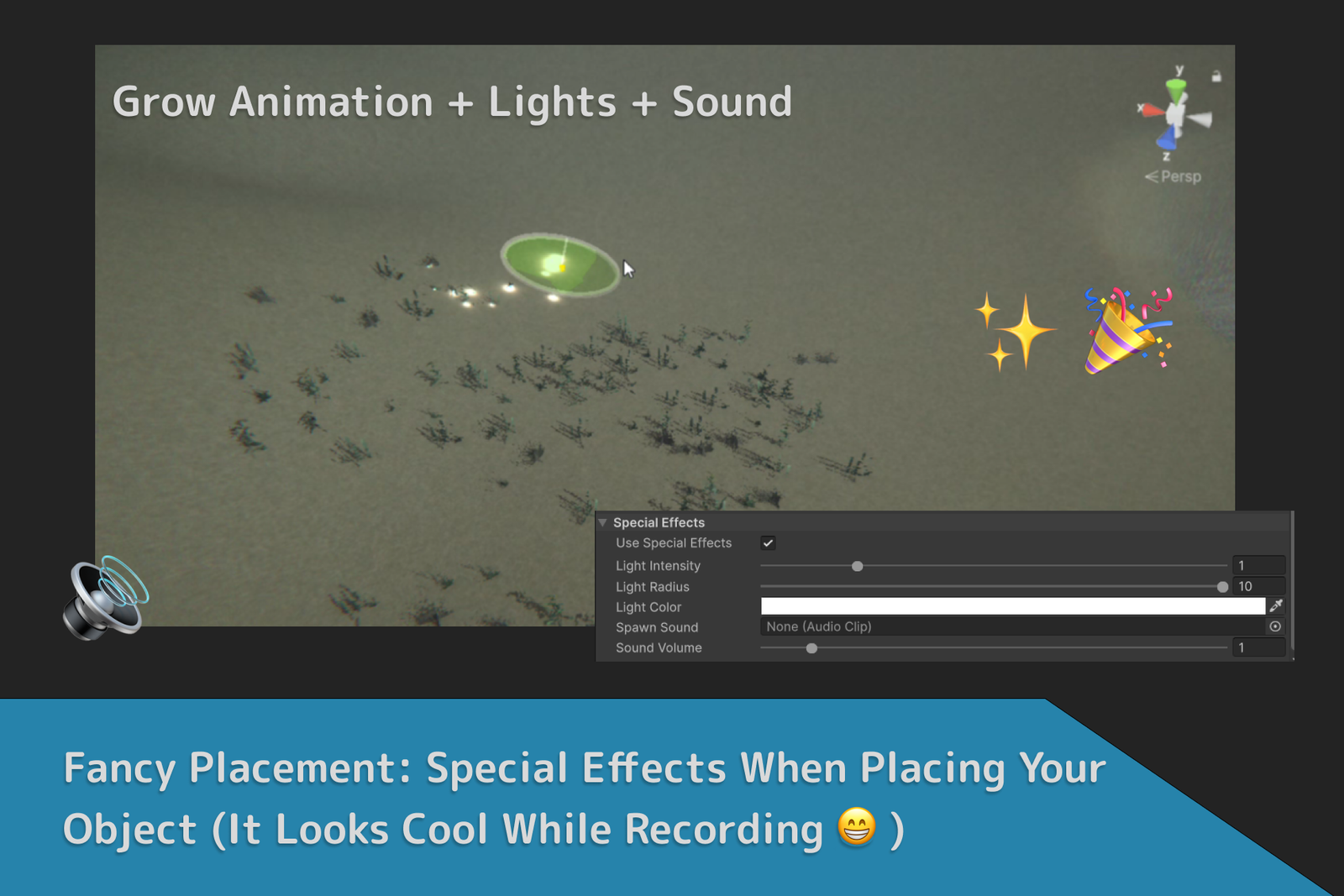
- Fancy Effects (New!): Play sounds and light when placing your objects. Looks cool while recording — just for fun. (Optional)
- Terrain Fit (New!): Reshapes the terrain around placed objects. Fine-tune size, offset, and smoothness for polished results in Precision Mode. Also clears terrain trees automatically and supports multiple terrains.
- Constant Updates: New features are added regularly. Have a cool idea? We'd love to hear it — submit it anytime!
See the new features in action in Trailer 2!
And more!
This asset is updated regularly with new features and improvements. For detailed information, check the Release Notes tab.
This asset uses Unity's multithreaded Job System and Compute Shaders, enabling smooth, responsive interactions even in large, complex scenes.
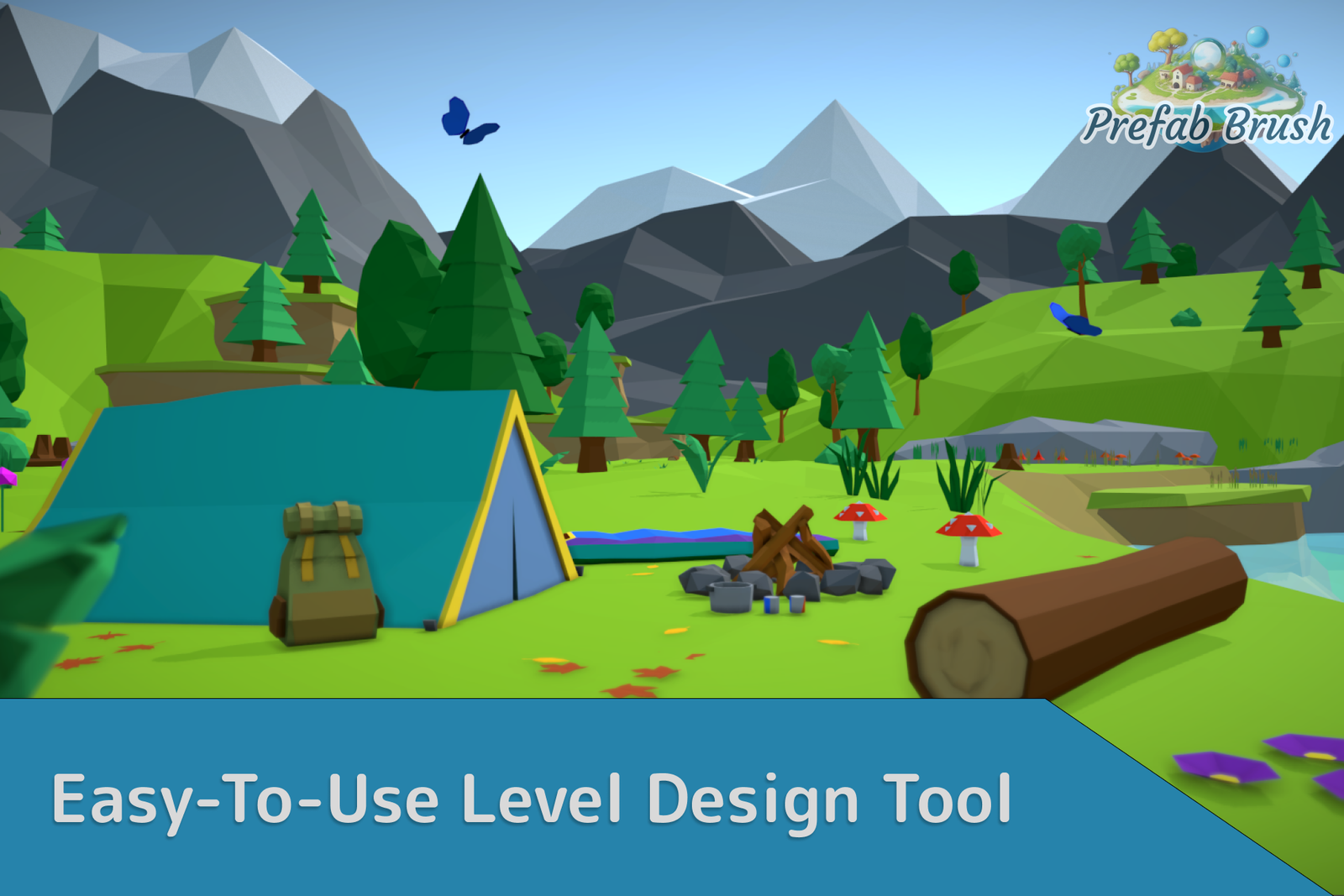
⚠️ Important Note: The assets shown in videos and images are for demonstration purposes only and are not included in the Prefab Brush package.
Check the documentation for tutorials, more images, GIFs, and limitations.
Screenshots